
Grab messy web data. Export clean spreadsheets.
Export any web table or dashboard grid to Excel in one click
GridGrab captures messy HTML tables, div-based grids, infinite-scroll lists, and admin dashboards—then cleans them into CSV, XLSX, JSON, Markdown, or clipboard-ready data. Everything runs locally in your browser.
No accountLocal processingYour data stays on your device
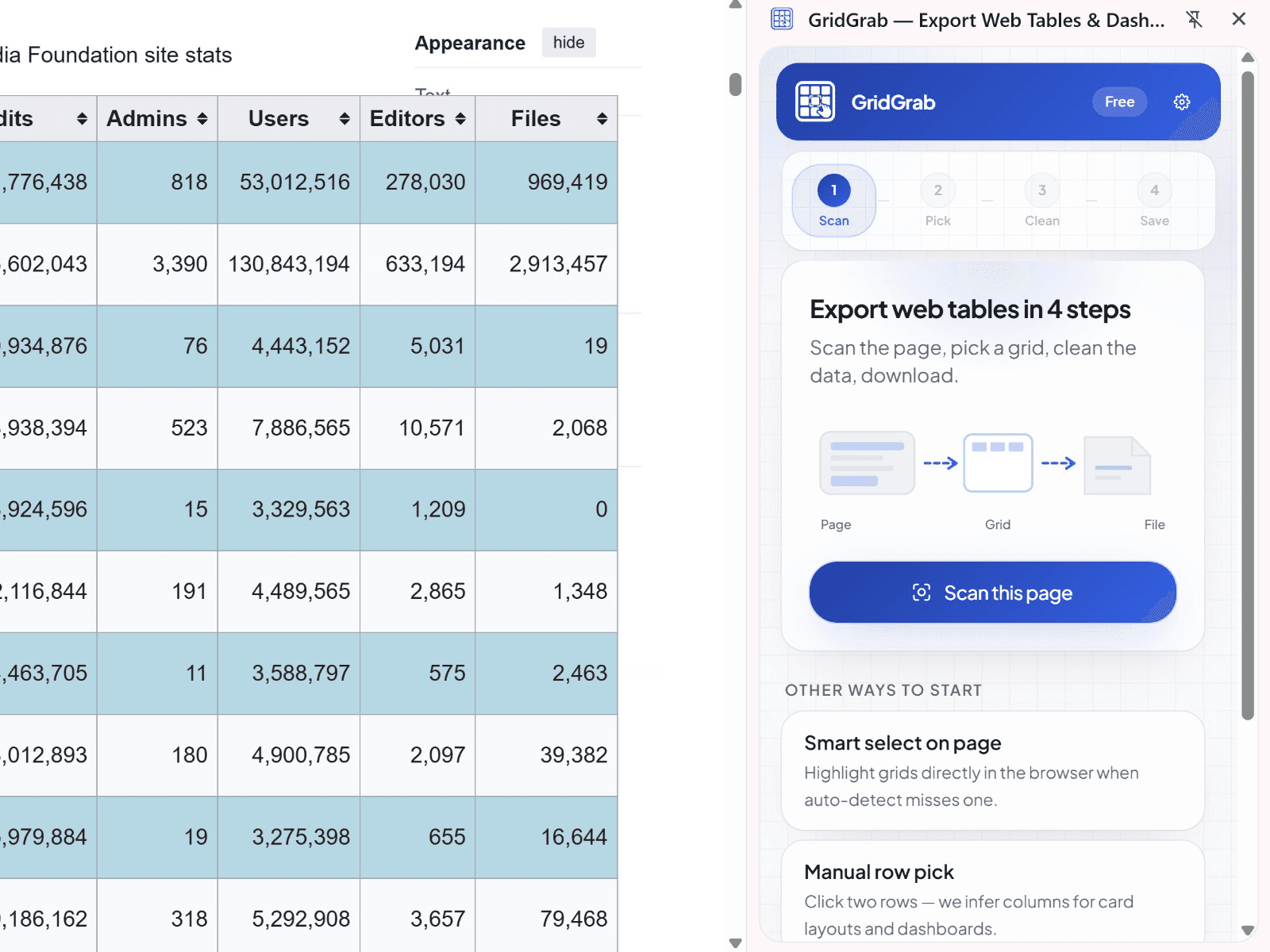
Built for dashboards, not just '<table>' tags
SaaS admin panels, Shopify orders, CRM lists, marketplaces, and finance dashboards often use div grids, virtualization, or sticky headers. Normal copy/paste drops columns, merges cells wrong, or stops at the first screen of rows. GridGrab detects structure on the page you're viewing and exports spreadsheet-ready data—with a preview before you download.
- HTML tables, including rowspan/colspan
- ARIA grids (role="grid", role="table")
- Repeated card/list layouts (product grids, search results)
- Login-protected pages you already see in your browser
Honest scope: GridGrab captures visible data in the DOM. It does not bypass logins, CAPTCHAs, paywalls, or site protections. Canvas-only or closed-shadow tables may not be supported.
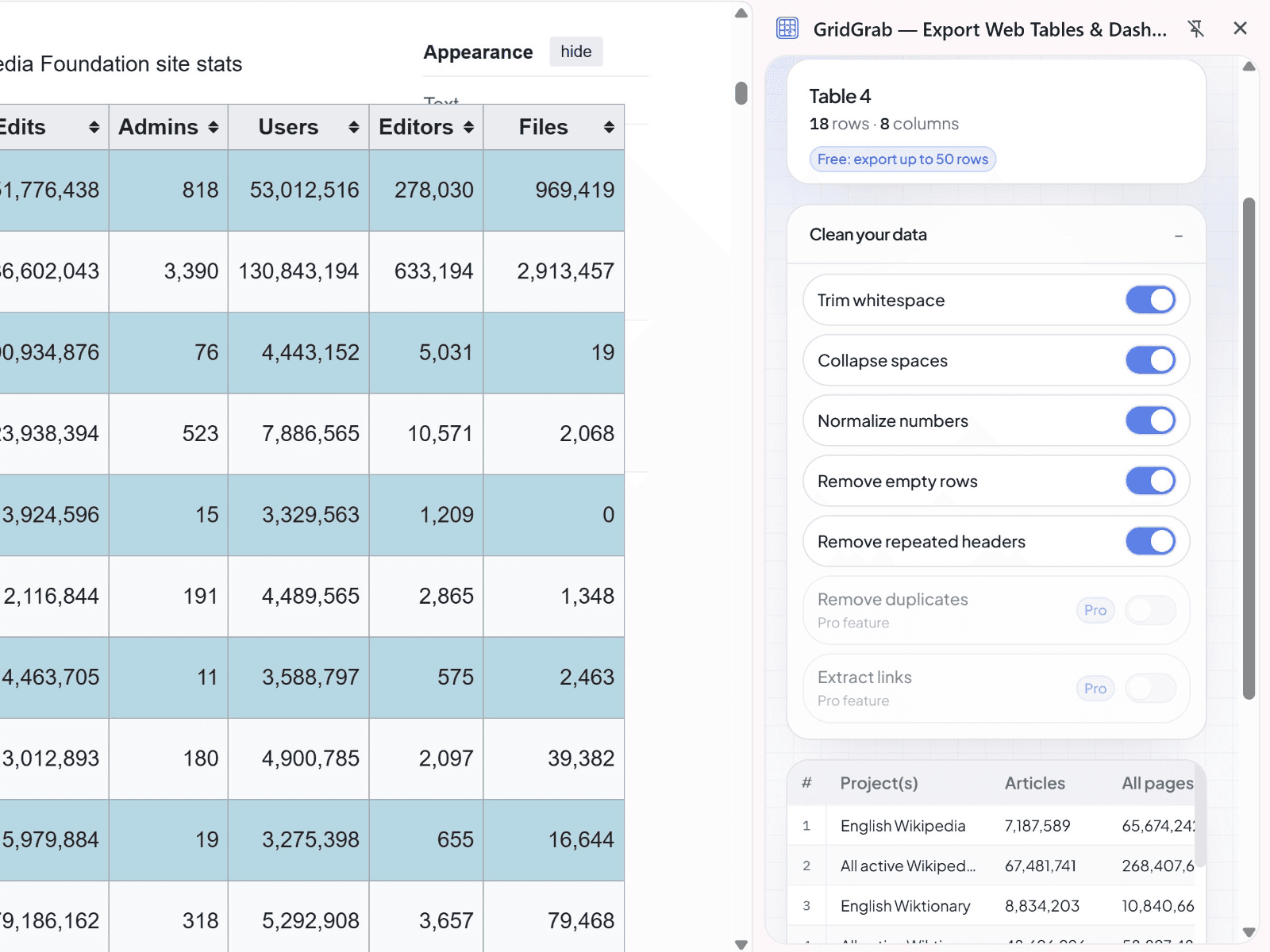
Three steps. No cloud pipeline.
Shortcut: Ctrl+Shift+G (Mac: Cmd+Shift+G) to open the panel.
Open a page
with a table, grid, or repeated list.
Open GridGrab
in the side panel and pick the dataset—or use visual selection if auto-detect misses.
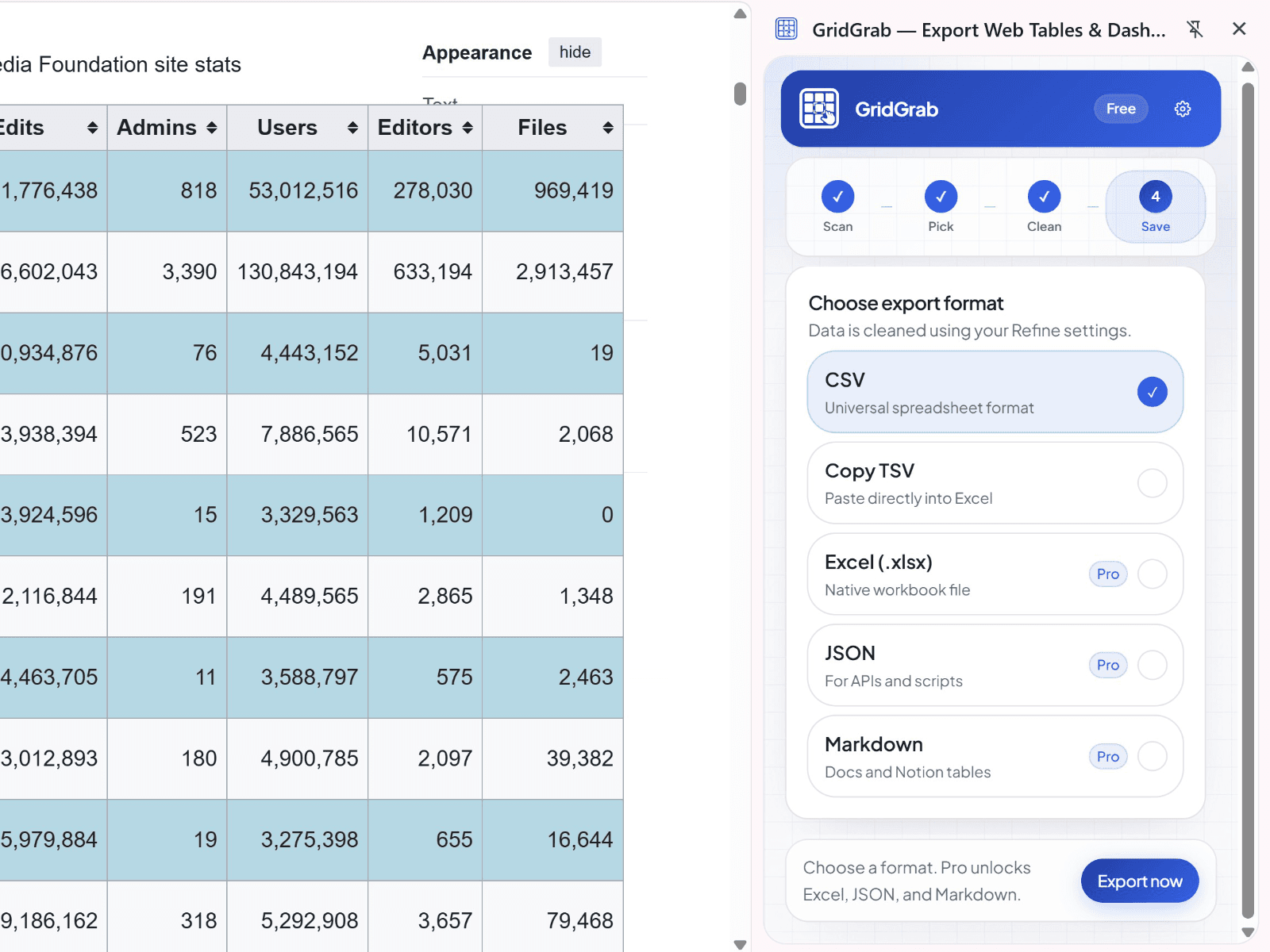
Preview, clean, export
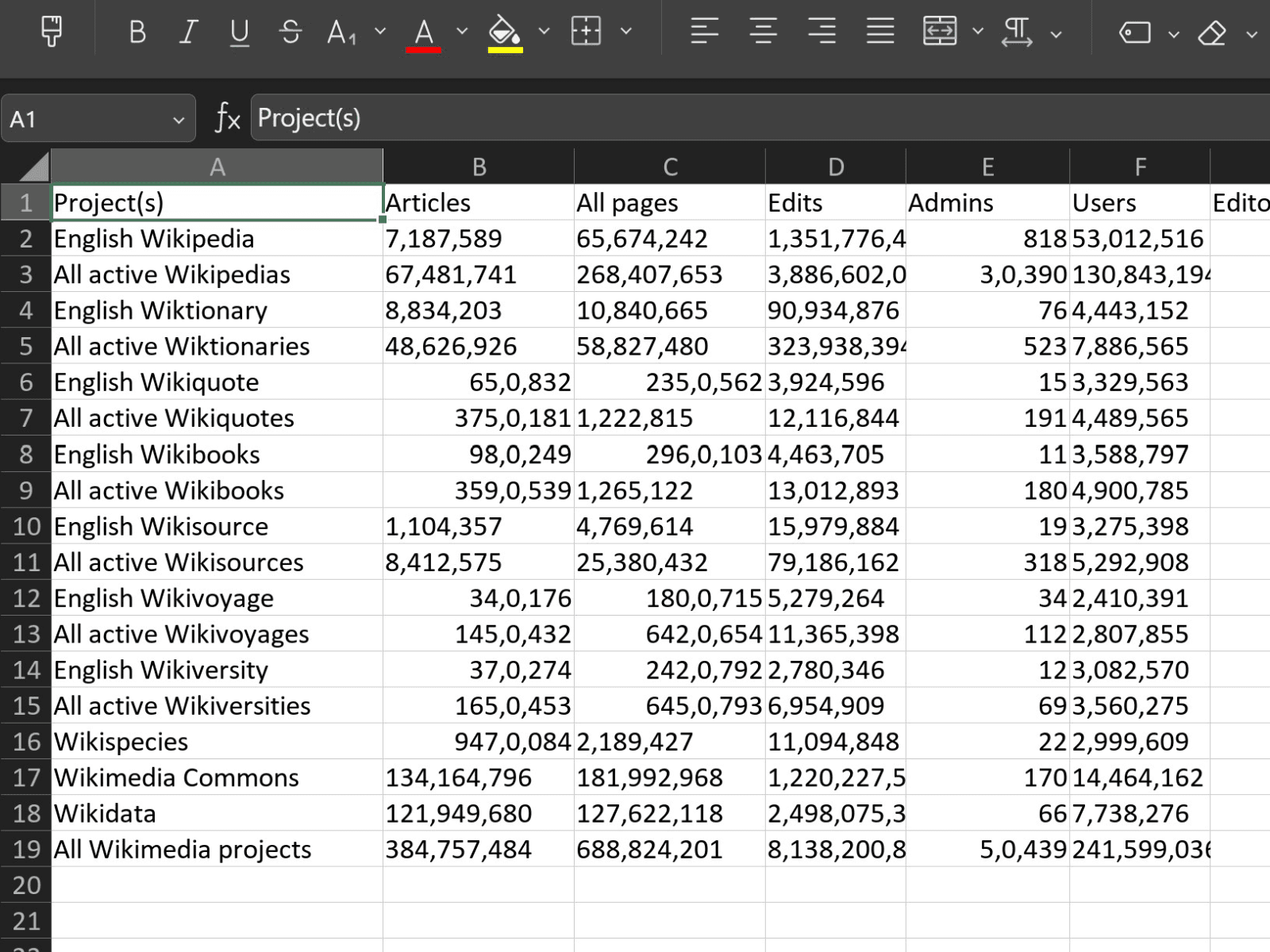
to CSV, Excel, JSON, Markdown, or copy TSV for Sheets/Excel.
Spreadsheet-first, not scraper-first
| Feature | What you get |
|---|---|
| Side panel | Detect multiple grids; preview row/column counts |
| Visual selection | Highlight and pick the right block on messy pages |
| Cleaning | Trim whitespace, dedupe rows, normalize numbers (Pro+) |
| Multi-page capture | Manual append, click-next, auto-scroll with dedupe (Pro+) |
| Recipes | Save per-site presets locally—no cloud recipe marketplace |
| Exports | CSV, XLSX, JSON, Markdown, clipboard TSV |
Your tables never leave your browser
Extraction, cleaning, preview, and file download run on your machine. We don't upload table contents, dashboard data, or export files to our servers. The only network call for most users is optional license validation when you unlock Pro or Power (license key only—no page content).
One-time purchase. No subscription for core export.
Install the extension free, then unlock in Settings → License.
Free
$0
- Detect tables & grids
- Preview data
- CSV export up to 50 rows
- Copy up to 50 rows
- Basic cleaning
- Manual visual selection
Pro Lifetime
$39 one-time
- Unlimited rows
- XLSX, JSON, Markdown export
- Advanced cleaning & deduplication
- Saved local recipes
- Scroll capture, click-next, manual append
- Batch export all detected grids
Unlock in extension Settings after install.
Power Lifetime
$79 one-time
- Everything in Pro
- Column transforms (split/merge)
- Recipe import/export
- Capture history
- Diagnostic bundle for support (no table data by default)
Unlock in extension Settings after install.
Payments handled by Lemon Squeezy (merchant of record). VAT where applicable.
FAQ
Yes, if you can see the data in Chrome. GridGrab reads the same DOM your browser displays—it doesn't bypass authentication.
It's a visible data export tool for tables and grids you already have on screen—not a background crawler, lead scraper, or API bypass.
No. Exports are generated locally. Recipes and settings use chrome.storage.local on your device.
Copy as TSV and paste into Sheets, or download CSV/XLSX. Direct Sheets OAuth is not in v1.
Use Capture while scrolling (Pro) to collect rows as they render. Rows that never enter the DOM can't be captured—we'll warn you in preview.
Emailed by Lemon Squeezy after purchase. Paste it in the extension Settings page.